Identity & recovery
Create and verify an account, sign in, recover access and complete the Principal profile.
SchoolSync features
Start with the available school setup foundation. Explore the academic structure, Student, Teacher, Staff and fee workflows in development, plus the planned attendance and payroll expansion.
Each module is planned around shared school, campus, academic-year, person, and audit context.
Available foundation
Account verification, Principal profile, School Profile and School Operations are present in the current application.
Create and verify an account, sign in, recover access and complete the Principal profile.
Six stages cover identity, registration, campus, contacts, branding and review, including school-code reservation.
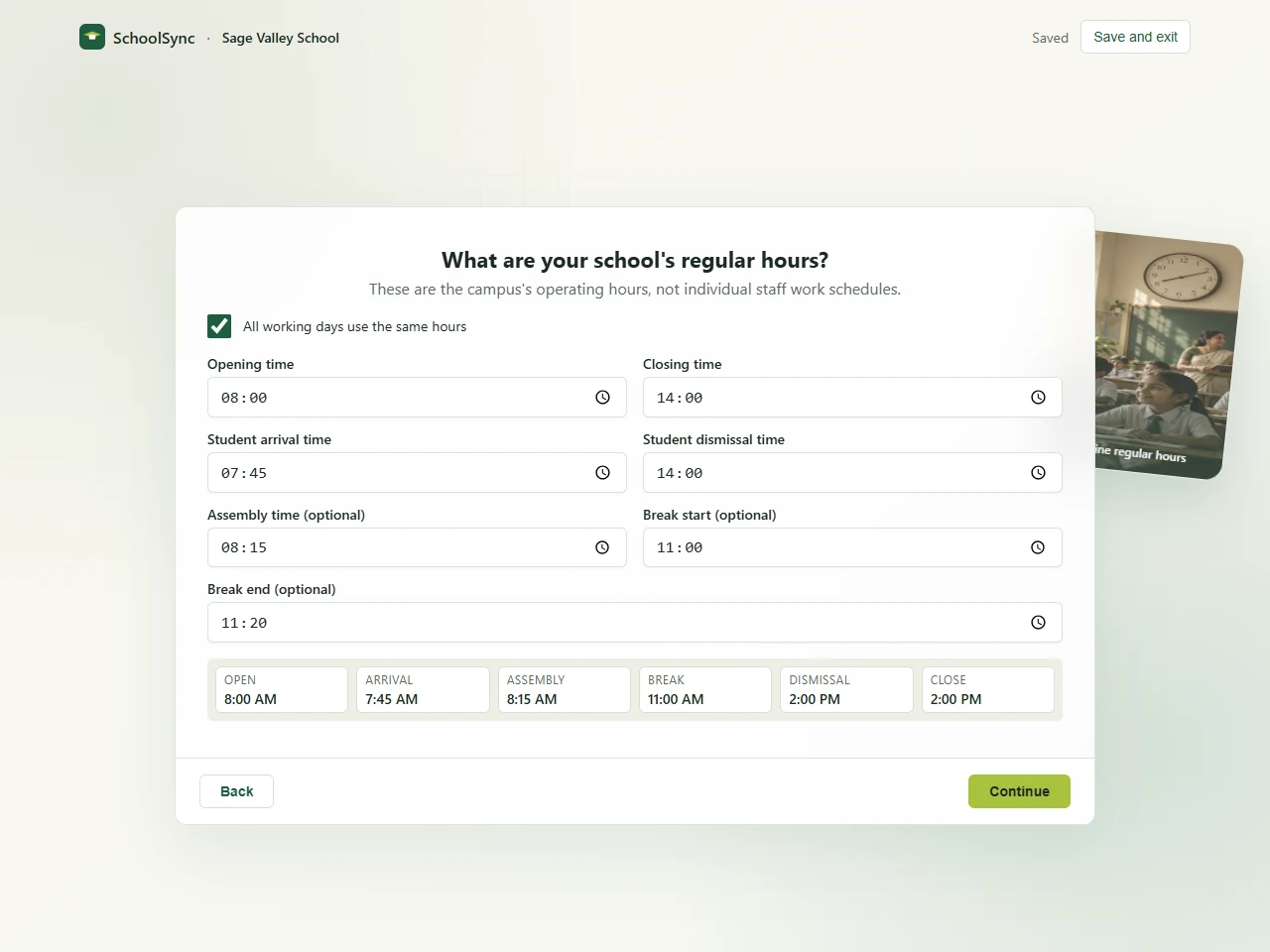
Working days, regular hours, seasonal schedules, regional preferences and review, with saved progress.
Core capability groups
The detailed pages cover the intended full workflows. Status labels distinguish the current development implementations from later expansion; they do not imply full module availability.
Student QR identity, staff attendance, devices, exceptions, corrections, and offline-aware sync.
View attendanceStudent and Guardian contacts, distinct Teacher and Staff records, academic structure and preserved academic or employment history. Not yet released.
View profilesSalary terms, attendance and leave inputs, additions, deductions, approval, disbursement, and slips.
View payrollBilling, payments, allocations and receipts in development. Thermal printing, email delivery, reversals and closing need further verification or work.
View fee workflowExpenses, funds, approval history, audit evidence, collections, dues, and period trends.
View financeWhatsApp dues alerts, email delivery, templates, recipient approval, status, retries, and preferences.
View communicationVersioned templates, dry-run validation, row errors, controlled commits, reports, and traceable exports.
View data toolsSchool and campus scope for trustees, principals, administrators, accounts teams, teachers, and operators.
View role modelExceptions, staffing, collections, dues, expenses, approvals, and system issues that need action.
Discuss your workflowAcademics · In development
Academic structure is being built alongside the people and fee modules. It is not part of the released setup foundation.
Draft, upcoming and active year workflows, with reviewed transitions and preserved historical context.
Class offerings, streams and sections connected to the campus and academic year.
Subject structure and Teacher assignments developed around the school’s actual teaching organization.
The complete journey · mixed development stages
School profile and operations available; academic years, classes, sections and subjects in development.
People records in development; bulk validation and issued attendance identities remain later work.
Attendance, collections, expenses, salaries, approvals, and communication.
Exceptions, delivery results, reconciliation, exports, and audit history.
Explore focused pages
Tell us what currently costs your team the most time or creates the most uncertainty.